
A quick guide to Visual Basic for Applications (VBA) covering macros, the VBA editor, and key terminologies like modules, procedures, functions, comments…
This document serves as a quick introduction to VBA (Visual Basic for Applications), an event-driven programming language used with Microsoft Office applications such as Excel, Word, and Access. It explains how to build customized solutions without needing separate Visual Basic installation, supporting versions from MS-Office 97 through the latest available releases.
VBA stands for Visual Basic for Applications, which is an event-driven programming language from Microsoft used with Office applications like MS-Excel.
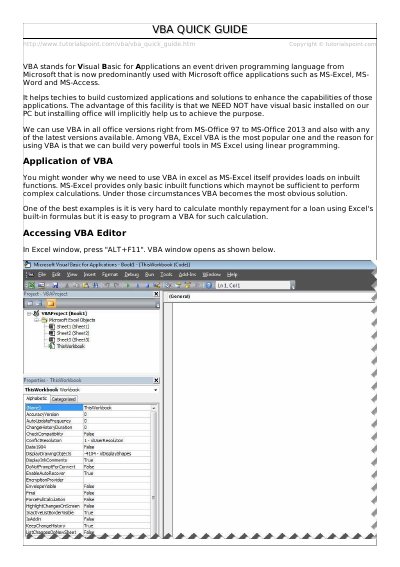
To open the VBA Editor, press "ALT+F11" within the Excel window.
If the user clicks Cancel, the function returns an empty string " ".