
User guide for the TTS Blue-Bot rechargeable, child-friendly programmable floor robot, covering Bluetooth pairing, programming, charging and troubleshooting.
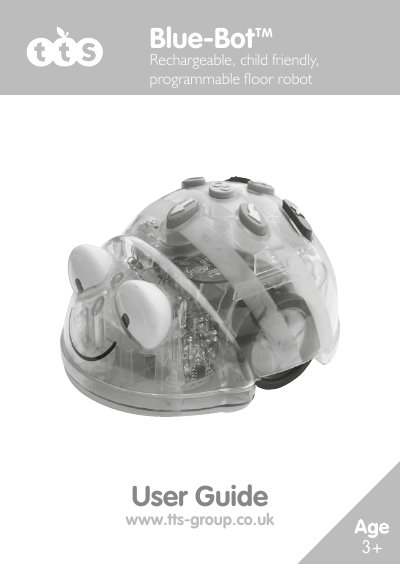
Blue-Bot is a programmable floor robot with a simple, child-friendly layout intended as a starting point for teaching control, directional language and programming to young children. The guide explains the product controls, Bluetooth pairing, command programming and use with the Blue-Bot app.
It also covers clearing programs, recharging and battery indicators, sleep mode, battery precautions, care and maintenance, FCC information, specifications and troubleshooting. Blue-Bot stores up to 200 commands and moves approximately 150 mm per forward or backward command.
| Forward/backward movement | 150mm ±8mm |
|---|---|
| Pause | 1 second ±15% |
| Speed of movement | approx. 65 mm/sec |
| Batteries | D.C. 3.7V, 500mAH Lithium Polymer |
| Battery Life | approx 6 hours in normal usage (depends mainly on amount of movement) |
| Safety certificates | CE, EN71, EN62115, EMC, RED |
| Frequency Band | 2.400 - 2.483GHz |
| Range | 2cm to 150cm +/-5% |
| Sensor | within approx. 25cm +/-10cm (environment dependant) |
A maximum of 200 commands can be stored; each command is a forward/backward movement, left/right turn, or pause.
Locate the Bluetooth settings on your device, switch Bluetooth on and search for nearby devices, turn Blue-Bot on to make it discoverable, then select Blue-Bot from the list.
It may take up to 2 hours to fully charge Blue-Bot if the battery has been fully discharged.
Press the clear key