
User manual for the Trust webcam, covering installation, driver setup, AmCap use, snapshots, general usage, safety and warranty.
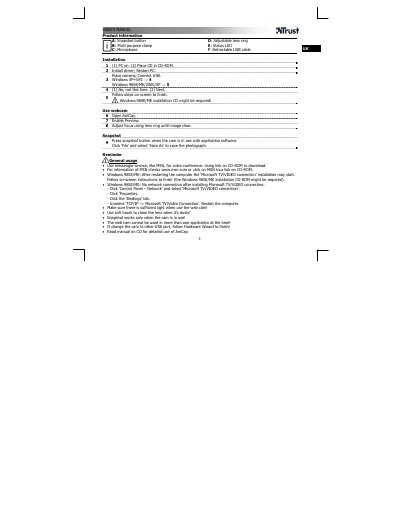
This Trust webcam user manual explains the product parts, installation steps, driver installation, and starting the camera with AmCap. It also describes focusing with the lens ring and taking a snapshot while the camera is in use with application software.
The document lists general usage reminders, including using messenger services such as MSN for video conferencing, cleaning the lens with a soft brush, and using the camera in only one application at a time. It also covers optional Ulead software, safety instructions, the two-year manufacturer's warranty, and copyright terms.
| Cable type | Retractable USB cable |
|---|
Adjust the focus using the lens ring until the image is clear.
The snapshot works only when the camera is in use.
No, the webcam cannot be used in more than one application at the time.
They are available at www.trust.com/14776.