
Product leaflet for the Tripp Lite Phantom MXII Multi-User Unit (0SU52016), a KVM switching solution supporting up to 63 servers with advanced OSD…
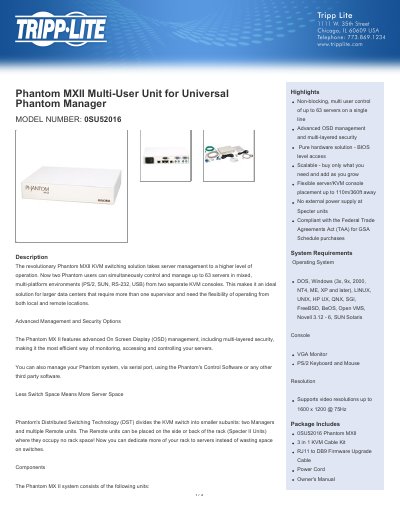
The Tripp Lite Phantom MXII Multi-User Unit (Model 0SU52016) is a component of the Universal Phantom Manager KVM switching solution. It enables two users to simultaneously control and manage up to 63 servers in mixed, multi-platform environments (PS/2, SUN, RS-232, USB) from separate KVM consoles. This system is designed for larger data centers requiring multiple supervisors and flexibility for local or remote operation.
| Maximum Servers | 63 servers |
|---|---|
| Supported Platforms | PS/2, SUN, RS-232, USB |
| Video Resolution | 1600 x 1200 @ 75Hz |
| Console Placement Distance | 110m / 360ft |
| Unit Dimensions (inches) | 1.6 x 7.1 x 8.9 |
| Unit Weight | 2.2 lbs |
| Operating Temperature | 0 to 40 C |
| Warranty Period | 3-year limited warranty |
It supports non-blocking, multi-user control of up to 63 servers on a single line.
The system supports DOS, Windows (3x, 9x, 2000, NT4, ME, XP and later), LINUX, UNIX, HP UX, QNX, SGI, FreeBSD, BeOS, Open VMS, Novell 3.12 - 6, and SUN Solaris.
No, the Specter units have no external power supply required.