
The TrekPod Owner's Manual provides setup, mode usage, MagMount instructions, specifications, warranty and parts list for the TrekPod trekking tripod system.
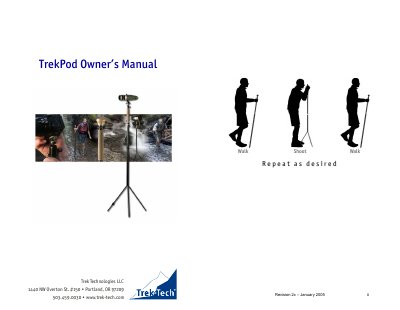
The manual introduces the TrekPod trekking tripod system and its three operating modes—Hiking, Monopod, and Tripod—along with the MagMount accessory for mounting cameras and optics. It explains how to adjust height, secure the legs, and use the safety clip and palm rest for comfortable handling.
Additional sections cover specifications, limited lifetime warranty registration, repair and exchange procedures, and a detailed exploded view with a parts list for maintenance and replacement.
| TrekPod weight | 29 oz / 0.82 kg (including MagMount) |
|---|---|
| MagMount weight | 3 oz / 0.085 kg |
| Height range in tripod mode | 43 to 60 inches (109 to 152 cm) |
| Height range in hiking/monopod mode | 46.5 to 62.5 inches (118 to 159 cm) |
| Open leg diameter | 22 inches (56 cm) |
Loosen or tighten the locking nut while holding the lower tube with one hand and turning the nut with the other, setting the height so your arm is bent at about 90 degrees; the maximum height is marked on the upper tube.
Register online at www.trek-tech.com/warranty or mail the enclosed registration card to activate the limited lifetime warranty.
A 5/32" (4 mm) Allen head wrench is required to adjust the leg tension, though it is not included with the product.