
This guide provides quick installation instructions for the TP-LINK TL-XDR6030 AX6000 router, covering hardware connection, single-unit setup, and…
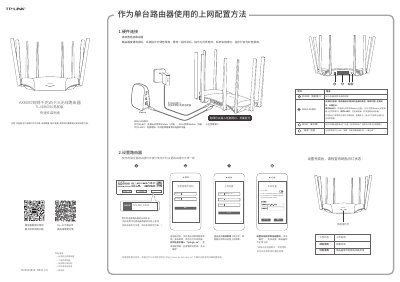
This document serves as a quick installation guide for the TP-LINK TL-XDR6030 AX6000 Dual-Band Wi-Fi 6 Router. It details the necessary items included in the package and provides step-by-step instructions for connecting the hardware, including power adapters and Ethernet cables.
The guide covers two primary usage scenarios: configuring the router as a standalone device for single-unit internet access and setting up multiple routers using the 'EasyMesh' (易展) feature to create a unified wireless network. It also includes troubleshooting steps for common issues such as inability to access the management interface or unstable signal strength. This manual is written in Chinese.
Press and hold the 'RESET' button on the back panel until the system indicator light flashes, then release.
A red constant light indicates that the router is waiting for configuration or there is an abnormality in the line connection.
Connect the routers via Ethernet cable, press the 'EasyMesh' button on both units within two minutes until the indicator turns green.