
This guide covers hardware connections, single-router setup, wireless configuration, Turbo mode usage, and EasyMesh pairing for the TP-LINK TL-XDR5480 router.
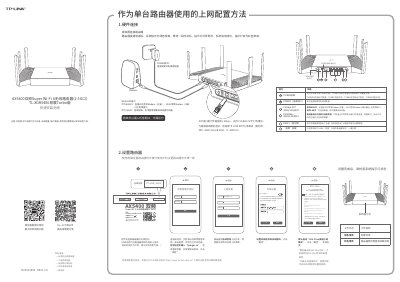
The document provides instructions for setting up the TP-LINK TL-XDR5480 router as a standalone device. It details hardware connection steps, including connecting power and network cables to WAN/LAN ports, and guides users through initial configuration via the web interface at tplogin.cn. The guide explains how to configure Wi-Fi settings, enable 802.11ax high-speed mode, and manage system indicator lights. This manual is written in Chinese.
The distributed Wi-Fi network supports up to 8 devices (1 main + 7 sub-routers) with TP-LINK EasyMesh functionality.
A flashing red light indicates that the router is searching for pairing or connecting to the main router.