
This guide provides quick installation and usage instructions for the TP-LINK TL-XDR1850 Easy Expand Kit, covering hardware setup, router configuration, and…
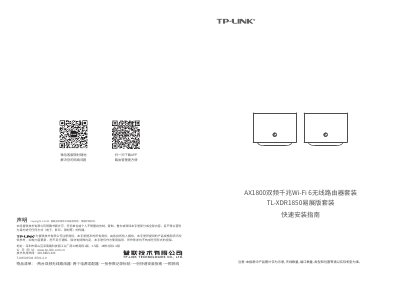
This manual serves as a quick installation guide for the TP-LINK TL-XDR1850 Easy Expand Kit, a distributed Wi-Fi router set. It details the product appearance, hardware connections, and the process for configuring the main router and adding secondary routers to build a distributed network. The kit includes two dual-band wireless routers, power adapters, and a quick installation guide. This manual is written in Chinese.
The system supports a maximum of 8 routers, configured as one main router and seven sub-routers.
Press and hold the 'RESET' button on the back panel until the system indicator light flashes, then release it.
Power on the new router, then press the 'Easy Expand' buttons on both the main and new routers within two minutes until the lights turn solid green.