
This manual provides instructions for setting up the TP-LINK TL-WA860RE Wi-Fi range extender using WPS or a web browser, including LED status interpretation…
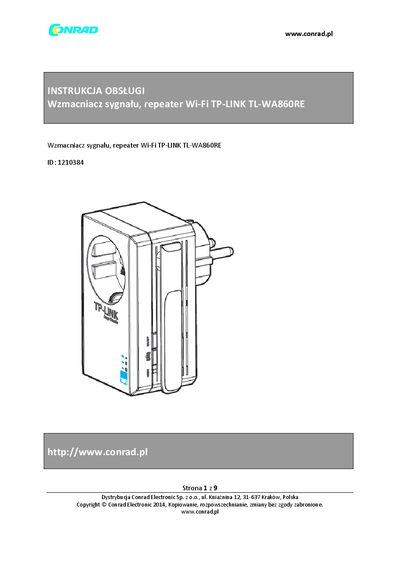
The document is an instruction manual for the TP-LINK TL-WA860RE Wi-Fi Range Extender. It details two primary methods for configuration: quick setup via the WPS button on compatible routers, and full setup using a web browser interface at tplinkextender.net.
The guide also covers interpreting LED indicators to determine optimal placement between the router and client devices, resetting the device to factory defaults, and connecting wired devices like game consoles or smart TVs through the extender's single Ethernet port. This manual is written in Polish.
When the device is powered on, press and hold the RESET button for 2 seconds until the LEDs start blinking.
A blinking orange light means the extender is connected to the router but is located too far away from it.
Ensure your computer is connected to the extender's network and set to obtain an IP address automatically.