
User manual for TP-LINK JetStream L2 managed switches covering login, configuration, VLAN, spanning tree, QoS, PoE, and security settings.
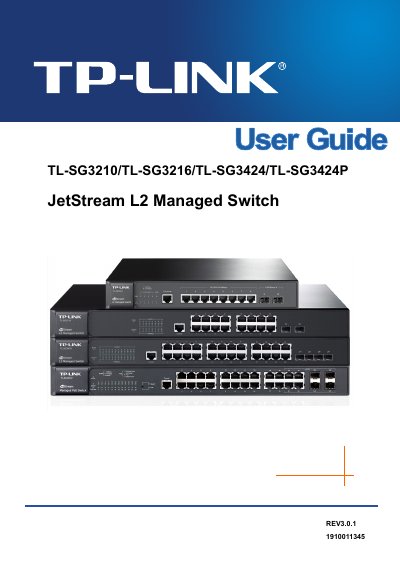
This user manual provides detailed instructions for configuring and managing TP-LINK JetStream L2 managed switches. It covers login procedures, system settings, port and VLAN configurations, spanning tree protocols, multicast, QoS, PoE, ACLs, and network security features. The guide is structured into chapters for easy navigation and includes application examples for each feature.
| Standards | IEEE802.3 10Base-T Ethernet, IEEE 802.3u 100Base-TX/100Base-FX Fast Ethernet, IEEE802.3ab 1000Base-T Gigabit Ethernet, IEEE802.3z 1000Base-X Gigabit Ethernet, IEEE802.3x Flow Control, IEEE802.1p QoS, IEEE802.1q VLAN, IEEE802.1X Port-based Access Authentication, IEEE 802.3 af/at (for TL-SG3424P) |
|---|---|
| Transmission Rate | Ethernet: 10Mbps HD, 20Mbps FD; Fast Ethernet: 100Mbps HD, 200Mbps FD; Gigabit Ethernet: 2000Mbps FD |
| Transmission Medium | 10Base-T: UTP/STP of Cat. 3 or above; 100Base-TX: UTP/STP of Cat. 5 or above; 100Base-FX: MMF or SMF SFP Module (Optional); 1000Base-T: 4-pair UTP (≤100m) of Cat. 5, Cat. 5e, Cat.6 or above; 1000Base-X: MMF or SMF SFP Module (Optional) |
| LED Indicators | TL-SG3210: PWR, SYS, 10/100/1000M, 1000M; TL-SG3216/TL-SG3424: Power System, 1000Mbps, Link/Act; TL-SG3424P: Speed, Power, System, PoE, PoE Max, Port Status |
| Packet Forwarding Rate | 10BASE-T: 14881pps/port; 100BASE-TX: 148810pps/port; 1000Base-T: 1488095pps/port |
You can log in using the web interface, SSH, Telnet, or HTTPS, depending on the security settings configured.
The maximum transmission rate for Gigabit Ethernet is 2000Mbps in full-duplex mode.
1000Base-T connections require 4-pair UTP cable of Cat. 5, Cat. 5e, Cat.6 or above.
The maximum cable length for 1000Base-T connections is 100 meters.