
This manual covers the installation, configuration, and operation of the TP-Link 5/8/16 Port Gigabit Unmanaged Pro Switch, including LED indicators and…
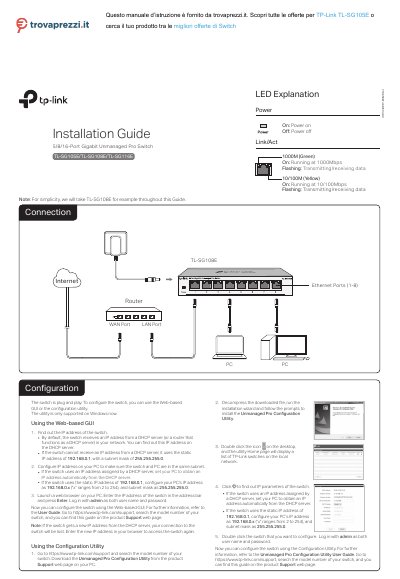
This document provides instructions for the installation, configuration, and operation of the TP-Link 5/8/16 Port Gigabit Unmanaged Pro Switch. It details the LED indicators, including the Power and Link/Act lights, and explains how to configure the switch using a Web-based GUI or a configuration utility. The guide covers finding the switch's IP address, logging in with default credentials, and accessing the setup interface via a web browser.
| Data Transfer Rate | 10/100/1000Mbps |
|---|---|
| MAC Address Learning | Automatically learning, automatically aging |
| Wall Mountable | Yes |
If the switch cannot receive an IP address from a DHCP server, it uses the static IP address of 192.168.0.1.
The default user name and password are both 'admin'.
The maximum cable length is 100 meters (328 feet).