
This TP-Link user guide explains how to set up, configure, and manage the Deco M4/M4R/E4/E4R/W2400 AC1200 Whole Home Mesh Wi‑Fi system.
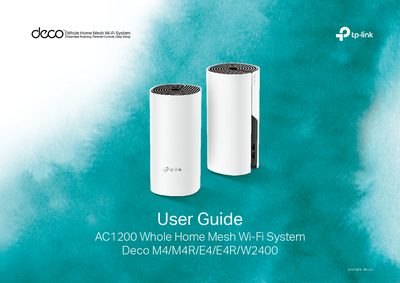
The guide introduces the Deco Whole Home Mesh Wi‑Fi system and the Deco app, then walks you through the initial setup, including downloading the app, logging in with a TP‑Link ID, and connecting the Deco unit to your modem. It also covers how to use the dashboard to monitor devices and network performance.
Additional sections describe Wi‑Fi settings, parental controls, advanced features such as IPv4/IPv6 configuration, and how to add more Deco units to expand coverage. Safety and regulatory information, as well as warranty and recycling details, are provided at the end of the document.
| Ethernet ports | 2 RJ‑45 ports |
|---|---|
| LED status indicators | Yellow pulse/reset, Yellow solid/startup, Blue pulse/ready, Blue solid/setting up, White solid/registered, Red solid/disconnected |
| 5 GHz antenna gain | 1 dBi internal antenna |
| 2.4 GHz antenna gain | 1.5 dBi internal antenna |
| Power connection | Connects to provided power adapter |
Open the Wi‑Fi Settings in the Deco app, where you can edit the network name (SSID) and password for the main network or create a separate guest network.