
User guide for the TP-LINK AI Smart Network Camera, covering installation, APP configuration, and elevator linkage wiring for e-bike detection.
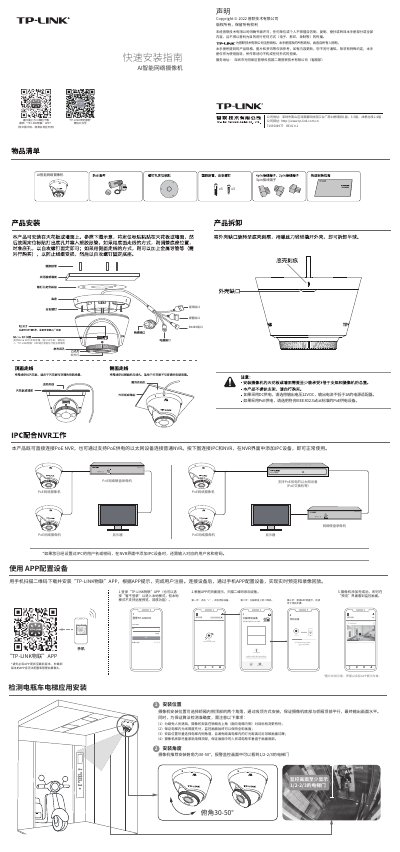
The TP-LINK AI Smart Network Camera is a security device designed for monitoring and intelligent detection, specifically optimized for e-bike detection in elevators. It supports connectivity via PoE NVR, PoE switches, or DC power supplies and integrates with the "TP-LINK 物联" APP for configuration and remote viewing.
The camera features specialized installation guidelines for elevator cabins to ensure accurate algorithm detection and provides detailed wiring instructions for linking the camera's alarm output to elevator door controllers to prevent e-bikes from entering. This manual is written in Chinese.
| DC Power Requirement | 12V DC, current not less than 1A |
|---|---|
| PoE Standard | IEEE 802.3af/at |
| Recommended Installation Angle | 30-50° |
Generally yes, as most elevator switches use positive/negative disconnection or switch signals, and the IPC supports normally open/closed switching.
Use a 12V DC power adapter with output current not less than 1A.
Use a PoE device compliant with IEEE 802.3af/at standard.
Download and install the 'TP-LINK物联' app to configure the device.