
TOSHIBA TEC B-462-TS22-CN-R Barcode Printer User Manual

User manual for the TOSHIBA TEC B-462-TS22-CN-R barcode printer, covering installation, operation, maintenance, and troubleshooting.
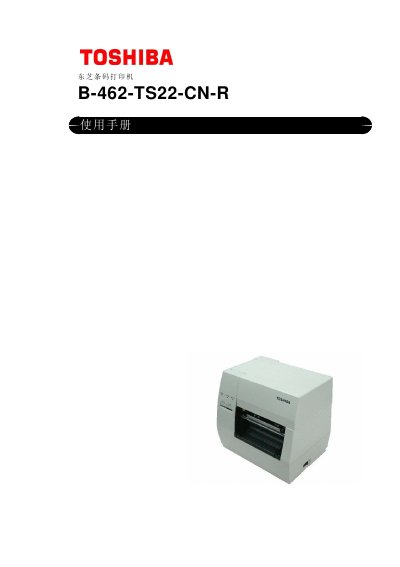

TOSHIBA TEC B-462-TS22-CN-R Barcode Printer User Manual - cover page
Brand
Toshiba TEC
Category
Printer
Document type
User Manual
Language
Chinese
Pages
56
File format
PDF
File size
3.1 MB
Published
22 October, 2026
Updated
22 October, 2026
MD5 checksum
EE37FC1D9C0D7D8C31A21E9479923F21

About this manual

This manual provides comprehensive instructions for the TOSHIBA TEC B-462-TS22-CN-R barcode printer. It covers safety precautions, general specifications, and detailed installation procedures including power connection and driver setup. The guide also explains how to load media and ribbons, perform online operations, and conduct routine maintenance. This manual is written in Chinese.

What's inside

  • Introduction
  • Specifications
  • Appearance
  • Installation Process
  • Loading Ribbon and Media
  • Cable Connection
  • Driver Installation
  • Online Mode
  • General Maintenance
  • Troubleshooting

Frequently asked questions

What is the model of the barcode printer described in this manual?

The manual is for the Toshiba TEC B-462-TS22-CN-R barcode printer.

What specific safety action must be taken if fingers or jewelry enter moving parts?

You must switch the power to the "OFF" position to stop the motion.

What should you do if the equipment is smoking or has an unusual odor?

You must immediately turn off the power, unplug the power cord, and contact an authorized agent.

Download PDF (3.1 MB)

More Toshiba TEC Manuals


View all Toshiba TEC manuals →