
Installation and operating instructions for the Toro DDC Series Dial Digital Controller irrigation controller, covering wiring, programming, and operational…
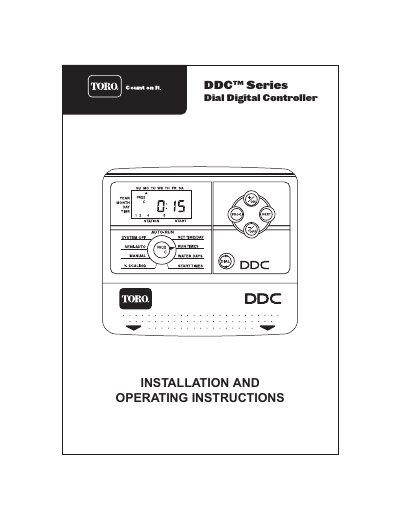
This manual provides installation and operating instructions for the Toro DDC Series Dial Digital Controller. It details how to install the unit, connect sensors and solenoid wires, and configure the controller for various irrigation needs. The document explains the use of the digital dial display to navigate through programming sequences for run time, water days, start times, and seasonal scaling.
| Run Time Range | 1 minute to 4 hours |
|---|---|
| Number of Programs | 3 independent programs |
| Start Times per Day | 3 start times |
| Scaling Range | 0% to 200% in 10% increments |
| Power Source | 24 VAC or 9 VDC battery |
Press both the +/ON and -/OFF buttons and hold them for a few seconds.
The digits will advance more quickly.
The controller supports 3 independent programs labeled A, B, and C.