
This manual covers installation, configuration, and troubleshooting for the Top-Iot TR321 and TR341 industrial routers.
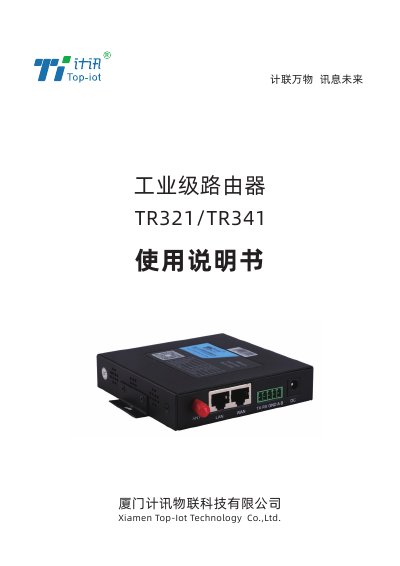
This user manual provides instructions for the Top-Iot TR321 and TR341 industrial routers. It details the product appearance, interface diagrams, and required accessories. The guide explains how to install the SIM card, connect power and antennas, and configure the device for network access. This manual is written in Chinese.
| Power Supply | 5-35V DC |
|---|---|
| Operating Temperature | -35℃ ~+75℃ |
| Power Requirement | > 4W |
| Default LAN IP | 192.168.1.1 |
| Default Username | admin |
| Default Password | admin123 |
The default IP address to access the configuration page is 192.168.1.1.
The default username is admin and the default password is admin.
The default WiFi password is admin123.