
User manual for the Top Instrument LDS-1S computer quick moisture meter, covering setup, measurement, calibration and specifications.
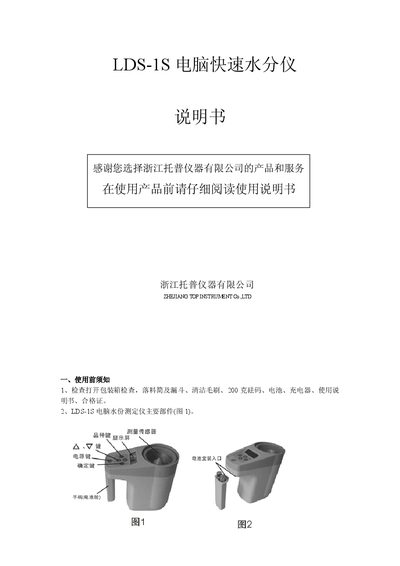
The LDS-1S computer quick moisture meter from Top Instrument is designed for measuring moisture in vegetable seeds and other small grain seeds. The manual provides step‑by‑step instructions for unpacking, preparing samples, performing measurements, and maintaining the device.
Key features include automatic weighing, temperature compensation, auto‑shutoff, and user‑adjustable calibration. Technical specifications, error codes, and troubleshooting tips are also included to ensure accurate and reliable operation. This manual is written in Chinese.
| Measurement object | Vegetable seeds and other small grain seeds |
|---|---|
| Measurement range | 3 ~ 35 % |
| Repeat error | ≤ 0.2 % |
| Measurement error (main range) | ≤ ±0.5 % |
| Measurement time | ≤ 10 s |
| Work power source | Four 5号 batteries or external 9 V DC |
| Temperature compensation | Automatic / Manual |
| Operating temperature | 0 ~ 40 ℃ |
| Net weight | 1.2 kg |
Select a blank or existing variety code, prepare standard samples at 105 ℃, measure low and high moisture standards, then adjust the displayed values using the '+' key until they match the standard values.
It means the instrument has no response because the dry batteries are depleted and need to be replaced.
Press and hold the “测量” key, then also press the “-” key, release both; the instrument will flash and indicate that the original factory calibration parameters have been restored.