
Chinese user guide for TOM Enterprise Email covering setup, features, and purchasing information.
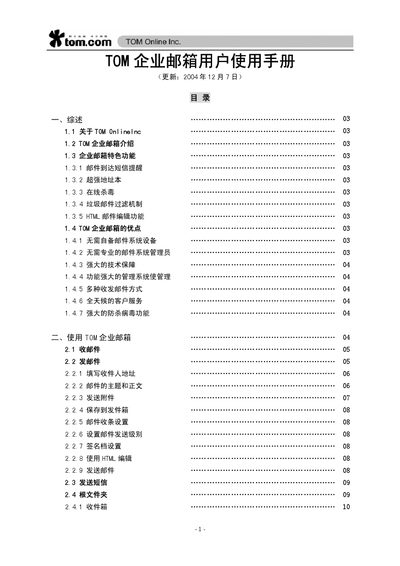
This manual introduces TOM Enterprise Email, a corporate email service that uses a company’s own domain for addresses. It describes key features such as SMS notifications, powerful address book, online virus scanning, spam filtering, and HTML email editing.
The guide provides step‑by‑step instructions for sending and receiving mail, configuring Outlook Express and Foxmail, managing folders, and setting up advanced options like POP, SMTP authentication, and automatic replies. It also explains how to purchase the service and obtain support. This manual is written in Chinese.
Select the account menu, choose "帐号", then "新建" and follow the prompts to enter your TOM email address, password, and server settings.
In the account properties, go to the "服务器" tab and check the box "SMTP 服务器需要身份验证" before saving.
In the account properties, open the "高级" tab and check the option "在服务器上保留备份".