
The TMC3000 series TV wall processor user manual provides safety guidelines, installation steps, configuration details, and operation instructions.
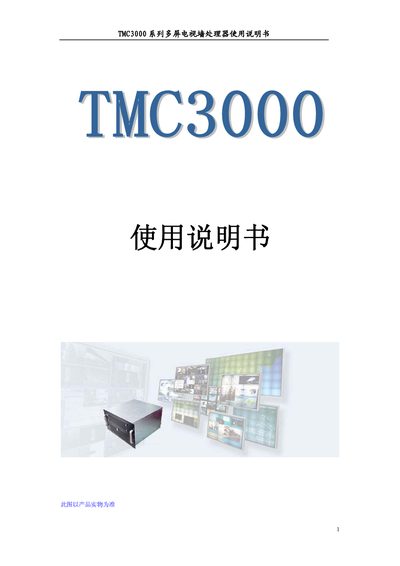
This manual introduces the TMC3000 series multi‑screen TV wall processor, describing its intended use in control centers, traffic management, video conferencing and other large‑scale display applications. It begins with essential safety instructions, including proper grounding, power shutdown procedures, and handling precautions to protect users and equipment.
The document then covers hardware specifications, system topology, supported video inputs (RGB, ERGB, SRGB, composite, S‑Video), networking options, and software features such as remote IP windows, scheduling, and multi‑user control. Detailed installation, wiring, and configuration steps are provided to help technicians set up and operate the processor safely and efficiently. This manual is written in Chinese.
| Power Supply | 300W‑500W standard industrial power |
|---|---|
| Memory | 1 GB (expandable to 2 GB) |
| Storage | 80 GB HDD |
| Dimensions | 484 mm × 453 mm × 267 mm (W×D×H) |
| Weight | ≈28 kg (6U chassis) |
| Humidity | 10 % – 90 % non‑condensing |
| Altitude Limit | Below 3500 m |
| Network Interface | 1×10/100/1000 Mbps RJ45 (optional) |
The processor supports composite video, S‑Video, PAL, NTSC, SECAM, as well as ERGB and SRGB inputs.
By installing the control client on a computer in the same LAN, a remote IP window can display the client’s screen, and multiple users can log in simultaneously.