
This document provides installation instructions, safety information, and technical specifications for the Thales BEETLE/FUSION barcode reader.
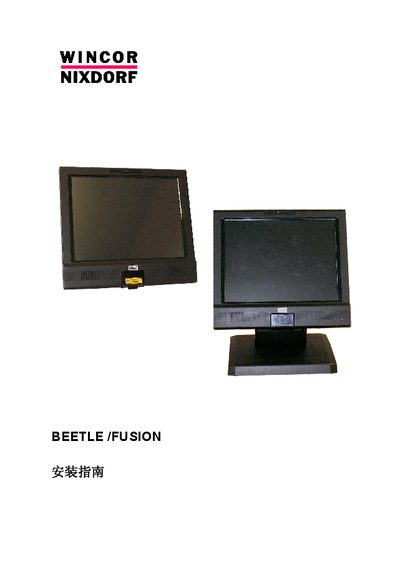
This document serves as the installation guide for the Thales BEETLE/FUSION barcode reader. It covers regulatory compliance, safety warnings, and detailed steps for unpacking, hardware assembly, and connecting power and peripherals. The guide includes specific instructions for both desktop and wall-mounted configurations. This manual is written in Chinese.
| Input Voltage | 100 / 240 V AC |
|---|---|
| Input Voltage Range | 90 to 264 V AC |
| Input Frequency Range | 47 to 63 Hz |
| Output Voltage | 24 V ±5% |
| Output Current (5.0A model) | 5.0 A (minimum) |
| Output Current (7.5A model) | 7.5 A (minimum) |
The device supports IEEE 802.11b, 802.11g, 802.11a, and 802.11n standards.
The adapter must be rated for 100/240V AC input, 90-264V range, 47-63Hz frequency, and 24V±5% output.