
This manual provides installation, wiring, operation, parameter setting and troubleshooting for the TFY smart temperature controller used in industrial…
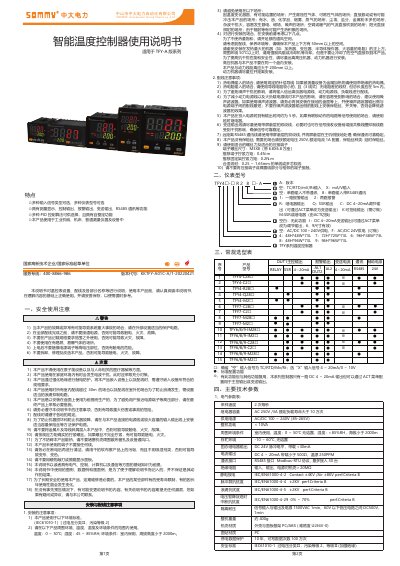
The TFY TFY4□-□ R 2 8 □- A is a smart temperature controller designed for industrial machines, machine tools, and measurement equipment. It supports multiple input signal types, measurement display, control and alarm outputs, and RS485 communication.
The document covers safety precautions, installation and wiring guidelines, input and output configuration, menu navigation, PID control and self‑tuning, communication settings, and a detailed troubleshooting section. It also lists technical specifications and revision history. This manual is written in Chinese.
| Power Supply | AC 250V / 3A |
|---|---|
| Communication Interface | RS485 Modbus‑RTU |
| Input Signal Types | TC, RTD, mV, Rt, 4‑20mA, 0‑10V |
| Operating Temperature Range | -200 °C to 600 °C (measurement) |
| Communication Baud Rate | 9600 bps |
Do not connect power until all wiring is completed, avoid use in explosive atmospheres, ensure proper grounding and protect against over‑voltage with external circuits.
Press the menu key to enter the parameter screen, then use the increase/decrease keys to adjust the SV value and confirm with the SET key.
Set the device address to 1, baud rate to 9600, parity to none, data bits to 8, and stop bits to 1 as shown in the communication settings.
Ensure the measured value (PV) is far from the set value (SV), then long‑press the AT key; the AT indicator will light and turn off when tuning is complete.