
User guide for the Tetracam ADC Micro single-sensor camera, covering setup, camera connections, GPS option, configuration, host software, and specifications.
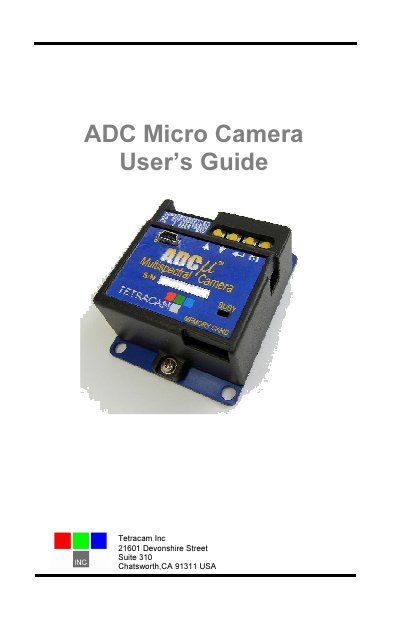
The Tetracam ADC Micro Camera User's Guide covers installation, operation, options, accessories, warranties, and technical support for the ADC Micro. The ADC Micro is a single sensor digital camera designed for visible light wavelengths longer than 520 nm and near-infrared wavelengths up to 920 nm, primarily for recording vegetation canopy reflectance.
The guide includes quick start instructions, unpacking contents, system requirements, software installation, camera interconnection pins and controls, GPS option use, event log file, camera configuration, PixelWrench2 host software, mounting, capture delays for aerial photography, programmer file formats, RS232 commands, and specifications.
| Sensor | Single sensor digital camera |
|---|---|
| Wavelength range | Visible light longer than 520 nm; near-infrared up to 920 nm |
| DC power input (Pin 1) | +5 V to +15 V |
| USB interface | USB 2.0 disk |
| Serial port | 4800 baud, 8 data bits, no parity, 1 stop bit |
| Video output | NTSC or PAL |
| Accessory power output (Pin 14) | +3.3 V, up to 150 mA |
| Rendered image size | Approximately 9 million bytes |
| Output images | RGB color images |
| Memory card | Micro SD |
It is primarily designed for recording vegetation canopy reflectance.
No. The camera enumerates as a USB 2.0 disk, and no special USB device drivers are needed.
No. The camera cannot be powered directly from the USB port and must be powered up before it is connected.
PixelWrench2 is needed to configure the camera and extract useful data from the NIR images.