
User manual for Tasco Digital Color Night Vision 269332, covering operation, focus, IR settings, troubleshooting, and care.
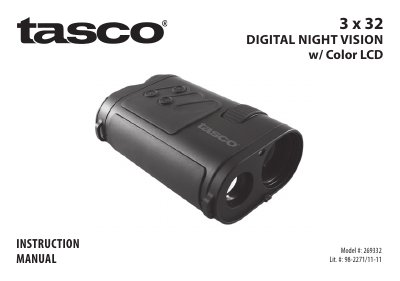
This manual guides users through operating the Tasco Digital Color Night Vision 269332, including battery installation, focus adjustment, and IR illuminator control. It explains how the device captures and displays images in low light, with color output in daylight and monochrome in darkness. The manual also covers maintenance, troubleshooting common issues, and warranty information.
The device features a 3x magnification, 32mm objective lens, and uses two CR123 batteries. It includes an auto-off function to conserve battery life and can be tripod-mounted. The manual provides step-by-step instructions for setup and use, along with tips for optimal viewing in various lighting conditions.
| Magnification | 3x |
|---|---|
| Objective Size | 32 mm |
| Battery Type | Two CR123 (3v, lithium) batteries (not included) |
| Operating Temperature Range | 14~104 / -10 ~ 40 C (Humidity >90%) |
| Dimensions | 5.9 x 3.8 x 2.0 in. / 150 x 95 x 51 mm |
| Tripod Mountable | Yes |
Press the ON/OFF switch. A green LED indicates power is on.
Rotate the eyepiece rubber ring until the LCD edges are sharp, then rotate the objective lens focus wheel until the object is in focus.
Press and hold the IR switch for at least two seconds. The red LED will indicate it’s on.
Check battery installation and polarity. If correct, the green LED should be on.