
Setup guide for the TANITA OP-102-RU wireless PC and device adapter, covering safety, parts, pairing, indicator lights, specifications and troubleshooting.
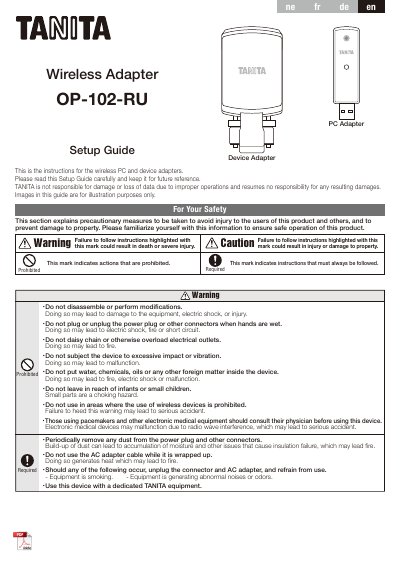
The TANITA OP-102-RU Setup Guide covers the wireless Device Adapter and PC Adapter. It presents safety warnings and cautions, part names and accessories, connection setup, pairing, indicator light meanings, and specifications.
It also provides troubleshooting messages, disposal instructions, and a radio-equipment compliance statement. The text notes that the adapters are paired as the factory default and explains how to perform additional pairing.
| Model number | OP-102-RU |
|---|---|
| Power source | Device Adapter: 9 V DC (center negative); PC Adapter: 5 V DC |
| Electric current range | 500 mA or less |
| Communication standard | EIA RS-232C |
| Communication system | Asynchronous |
| Signal speed | 9600 bps |
| Data bit length | 8 bit |
| Parity | None |
| Stop bit | 1 bit |
| Wireless device specification | Bluetooth 4.1 |
| Frequency band | 2402 to 2480 MHz |
| Maximum RF output power | 0.53 dBm (2402 MHz) |
| Communication distance | Approx. 5 m |
| Usage conditions relative humidity | 30 to 80 % (without condensation) |
Set up the device adapter on the body composition analyzer and press its button, then set up the PC adapter on your computer and press its button.
Yes. The guide says the device adapter can be paired with multiple PC adapters, but the PC adapter can only be paired with a single device adapter.
The guide states that the necessary driver is available from https://www.tanita.eu.
Make sure the RS-232C and USB connectors are fully plugged in, and check the TANITA equipment power supply and power sharing setting before connecting again.