
User manual for the Taifun Omega precision milliohmmeter, covering operation, calibration, and battery replacement.
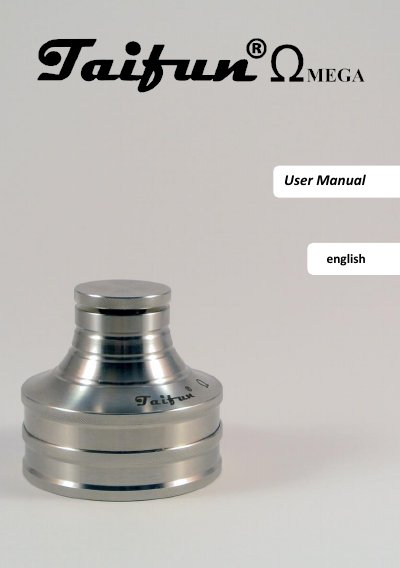
This user manual explains how to operate the Taifun Omega precision milliohmmeter, including automatic activation via a light sensor and low-hold display for stable resistance readings. It details calibration procedures using an atomizer or a supplied resistor, and battery replacement steps. The device is designed for measuring coil resistance during vaping coil building, with features to prevent battery drain and ensure accurate measurements.
The manual also covers error codes (E01–E04), idle mode behavior, and safety precautions for battery handling, including disposal and child safety warnings.
| Measuring Range | 0.00 - 3.00 Ω |
|---|---|
| Calibration Range | 0.00 - 1.00 Ω |
| Accuracy | 1% + - 1 Digit |
| Power Supply | replaceable lithium coin cell CR2032 (220mAh) |
| Idle Power Consumption | approx. 40nA |
| Operating Power Consumption | approx. 2-10 mA |
The device activates via a light sensor at the bottom and turns off when placed on a flat surface with the bottom down. It can be restarted by lifting it again.
The low-hold function displays the lowest measured resistance value over 10 seconds, preventing fluctuations caused by contact resistance or dust layers.
Recalibrate the device, as the measured resistance is lower than possible by calibration (<0 Ω). This may be due to dirt or contact issues.
Remove the lower part of the device, lift the wire bracket, and shake out the old CR2032 battery. Insert the new battery with the positive pole facing up, then reassemble the device.