
User manual for the SYGONIX HT100 radiator thermostat, covering installation, operation, programming, troubleshooting and specifications.
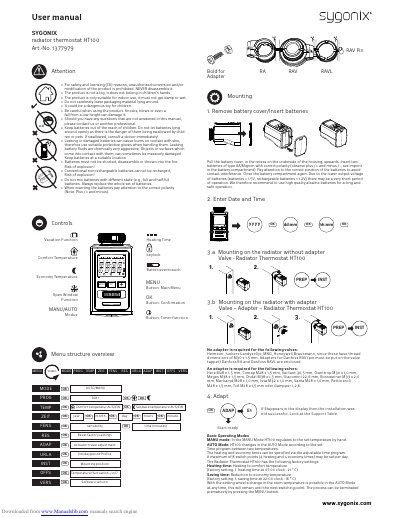
The SYGONIX HT100 radiator thermostat user manual describes battery installation, mounting on radiator valves with or without adapters, adaptation, and basic operating modes. It also covers timer and holiday settings, offset adjustment, dismantling, troubleshooting, maintenance, and technical specifications.
The manual lists compatible valve types and adapters, factory temperature and time settings, error codes E1-E3, and safety and disposal information.
| Power supply | 2 AA batteries / Mignon |
|---|---|
| Comfort temperature (factory setting) | 21 °C |
| Economy temperature (factory setting) | 16 °C |
| First heating time (factory setting) | Start 7:00 o'clock |
| First economy time (factory setting) | Start 22:00 o'clock |
| Switching points | 4 heating times, 4 economy times |
| Frost protection | Yes, activation below +6 °C |
| Calcification protection | Yes, valve movement 1x per week |
| Window function | Yes |
| Modes | Automatic / Manual |
| Dimensions | 80 x 70 x 52 mm (W x H x D) |
The HT100 uses two AA/Mignon batteries.
A maximum of 8 switch points, 4 heating and 4 economy times, may be set per day.
E1 means no adaptation is possible and the thermostat is not mounted on the radiator.
Hold both buttons for several seconds.