
Release bulletin for Sybase EAServer 6.0.2 on HP Itanium, covering product support, installation notes, known issues, and documentation updates.
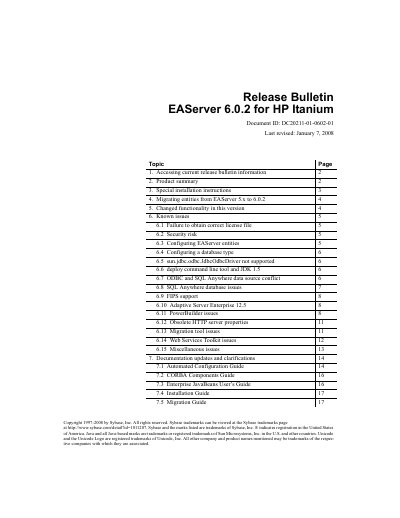
This release bulletin documents Sybase EAServer version 6.0.2, build 60223, for HP Itanium on HP-UX 11i versions 2.0 and 3.0. It lists supported product versions and required HP system patches, and explains special installation steps such as mounting the CD with HP SAM.
The bulletin describes migration from EAServer 5.x, changed functionality, and known issues, including license file retrieval over remote desktop, HTTP access to the Management Console, database configuration, and SQL Anywhere problems. It also provides documentation updates and technical support information.
| Version | 6.0.2, build 60223 |
|---|---|
| Platform | HP Itanium on HP-UX 11i versions 2.0 and 3.0 |
| C++ compiler | VC++ 6.0 |
| Oracle client | 9.2.0.1 and 10g |
| SQL Anywhere | 10.0 |
| Apache Web server redirector plug-in | 2.0.55 |
| Web browsers | Internet Explorer 6.0, Firefox 2.0 |
EAServer 6.0.2 is compatible with HP Itanium on HP-UX 11i versions 2.0 and 3.0.
The enclosed build is 60223; later build numbers may apply if ESD patches have been installed.
HTTP passes the administrative user ID and password in plain-text format, so use HTTPS instead.
Use a Virtual Network Computing (VNC) system, such as VMWare or RealVNC.