
User manual for the Swissphone s.QUAD Voice 360 receiver, covering setup, button functions, Bluetooth connectivity, and device settings.
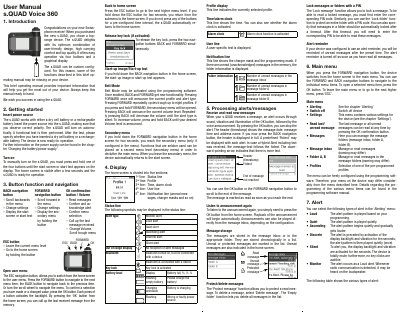
The Swissphone s.QUAD Voice 360 is a high-range receiver featuring a graphical display and four-button operation for user-friendly navigation. It is designed for carrying comfort and can be custom configured to suit specific user needs.
The device supports both dry cell and rechargeable batteries and includes a Bluetooth 4.0 Low Energy interface for communication with remote terminals such as smartphones. It offers various alerting modes, including loud, quiet, and vibration settings, as well as an integrated alarm clock.
| Bluetooth Version | 4.0 Low Energy |
|---|---|
| Charging Time | Approximately four hours |
Press and hold one of the four buttons until the start screen or start text appears on the display.
The device uses AA or LR6, AM3 or Mignon batteries, specifically leak-proof alkaline dry cell batteries or nickel-metal hydride rechargeable batteries.