
This guide provides instructions for downloading and installing the Surpass Viewer application on Apple computers to access Flash-based SQA test content…
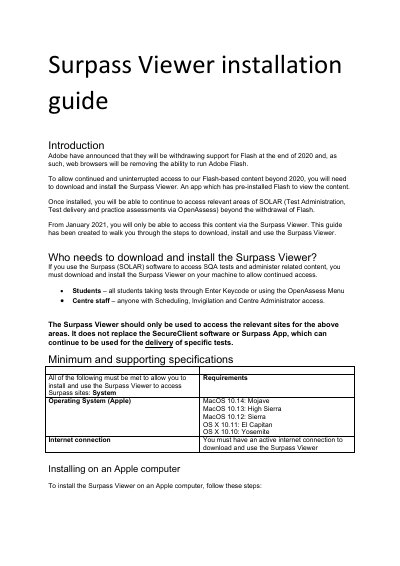
This document serves as an installation guide for the Surpass Viewer, an application designed to allow continued access to Flash-based content provided by SQA tests via SOLAR software. Due to the withdrawal of Adobe Flash support at the end of 2020, this viewer is required for students and centre staff to access Test Administration, Test delivery, and practice assessments via OpenAssess from January 2021 onwards. The guide details the system requirements and step-by-step installation process for Apple computers.
| Operating System (Apple) | MacOS 10.14: Mojave, MacOS 10.13: High Sierra, MacOS 10.12: Sierra, OS X 10.11: El Capitan, OS X 10.10: Yosemite |
|---|---|
| Internet Connection | Active internet connection required |
Students taking tests through Enter Keycode or using the OpenAssess Menu, and Centre staff with Scheduling, Invigilation, and Centre Administrator access.
From January 2021, users will only be able to access relevant content via the Surpass Viewer as web browsers remove the ability to run Adobe Flash.
No, the Surpass Viewer does not replace the SecureClient software or Surpass App, which can continue to be used for the delivery of specific tests.