
Installation guide for the Superlink SC-WBGW256 Web and BACnet gateway, covering safety, mounting clearances, wiring and setup instructions.
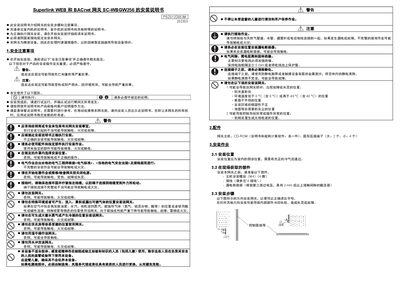
This manual provides step‑by‑step instructions for installing the Superlink SC‑WBGW256 Web and BACnet gateway. It begins with safety precautions, required accessories, and recommended installation locations, emphasizing the need for qualified electrical personnel and proper grounding.
The guide details required clearances around the unit, wiring procedures using supplied round crimp terminals, signal‑line specifications, and power‑up checks. It also includes diagrams for the wiring board, emergency‑stop connections, and notes on compatible communication protocols. This manual is written in Chinese.
| Power Supply Voltage | AC100/200‑240 V 50/60 Hz |
|---|---|
| Maximum Signal‑line Length | 1000 m per line |
| Signal Cable Cross‑section | 0.75 mm² – 1.25 mm² |
| Bottom Installation Clearance | Minimum 100 mm (recommended ≥200 mm) |
| Top Installation Clearance | Minimum 30 mm |
It operates on AC 100‑200‑240 V at 50/60 Hz.
Each signal cable can be up to 1000 m long.