
The SunSynk Inverter App User Manual v1.1 explains how to download, register, create a plant, and pair devices with the Solarman app.
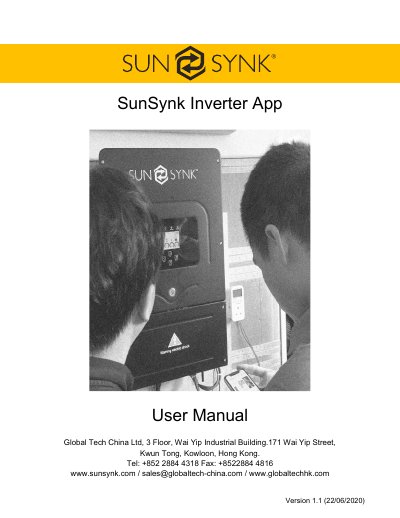
This user manual covers the SunSynk Inverter App version 1.1, published by Global Tech China Ltd. It explains how to set up the Solarman app on Android and iOS phones.
The guide includes steps to create an account, add and edit a plant, enter a plant name, and pair a dongle with the inverter using Wi-Fi. It also lists configuration failure reasons and when to reconfigure the logger network.
| Supported platforms | Android and iOS |
|---|---|
| Configuration time | 3-5 minutes |
| Maximum router distance | under 10 meters |
Search “solarman” in Apple Store or Google Play, then click GET or Install.
It normally takes 3-5 minutes to configure successfully.
Shorten the distance between Wi-Fi routers and Stick Logger to under 10 meters.
Reconfigure when you change the router, Wi-Fi password, or router's SSID.