
User manual for the Steren COM-8200 V0.6 Wi-Fi range extender, covering installation, usage modes, configuration, and technical specs.
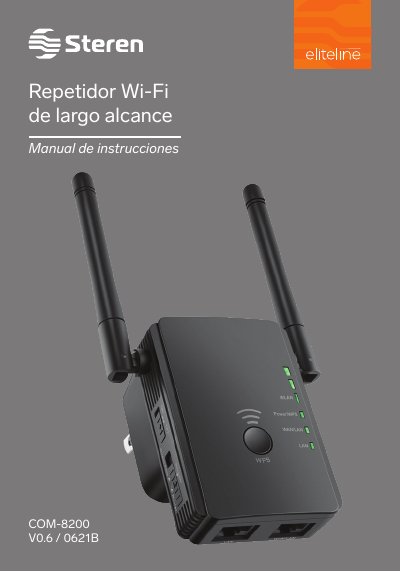
This manual guides users through installing and configuring the Steren COM-8200 V0.6 Wi-Fi range extender in repeater, router, or access point modes. It includes setup steps, Wi-Fi configuration, and access to the admin interface via IP 192.168.10.1. Safety precautions and technical specifications are also provided.
The device supports IEEE 802.11b/g/n standards, operates on 2.4 GHz, and has a maximum wireless speed of 300 Mbps. It requires a 100–240 V AC power supply and can be configured for static or dynamic IP settings. The manual also includes warranty information and customer support contact details. This manual is written in Spanish.
| Power Supply | 100 to 240 V ~ 50 to 60 Hz 300 mA |
|---|---|
| Wireless Standard | IEEE 802.11b/g/n |
| Transmission Power | <20 dBm |
| Wireless Speed | 300 Mbps |
| Frequency | 2.4 GHz |
| Operating Temperature | 0° to 40°C |
| Storage Temperature | -40°C to 70°C |
| Operating Humidity | 10% to 90% non-condensing |
| Consumption | 3.5 Wh |
Open a web browser and enter 192.168.10.1. Log in with the default username 'admin' and password 'admin'.
The device can operate as a Repeater, Router, or Access Point. Each mode configures the device differently for extending Wi-Fi signals, routing, or creating a new network.
The default network name is 'STEREN COM-8200' or 'Wireless-N'.
Insert a pointed object into the Reset hole and hold it for 10 seconds. Then unplug the device for 10 seconds and plug it back in.