
This manual provides operating instructions for the radar system on Standard Horizon chart plotters, covering setup, display features, and troubleshooting.
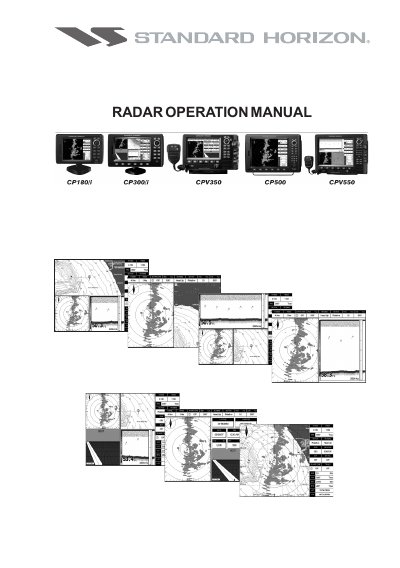
This document serves as an operation guide for users of Standard Horizon Chart Plotters equipped with radar antenna software. It details how to navigate between different radar pages, such as Full Page Chart/Radar and Radar Highway modes.
The manual covers essential operational procedures including warming up the system, adjusting transmission settings like trigger delay and gain, and utilizing soft keys for range selection and clutter reduction (rain and sea). It also explains how to interpret the radar display elements, manage guard zones for safety alarms, and troubleshoot common issues.
Using the Guard Zone alarms.
Guard Zones are zones defined by the user that causes an audible and visual alarm to be triggered when a target exceeding a certain density enters into it.
Guard Zone sensitivity must be regulated accordingly to the current Gain of the Radar. The higher the sensitivity the smaller the target that may trigger the alarm.