
User manual for the SS SS5539G mobile phone, covering basic operations, phone settings, calling, messaging, and app usage.
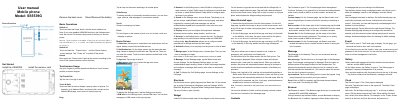
The SS SS5539G is a mobile phone featuring a touchscreen interface and Android 7.0. The device supports dual SIM cards and includes standard smartphone capabilities such as web browsing, email, and multimedia management.
This manual provides instructions on getting started, including SIM and memory card installation, basic touchscreen gestures, and configuring system settings for network, sound, and security.
| Operating System | Android 7.0 |
|---|
Touch and hold the Power button until the phone switches on.
Use a PUK provided by the operator to unlock it.
On the All App page, tap and hold an app and drag it to Uninstall on the desktop.