
The South Surveying Galaxy G3 Service Manual provides hardware, operation, web UI, and accessory information for the GNSS receiver.
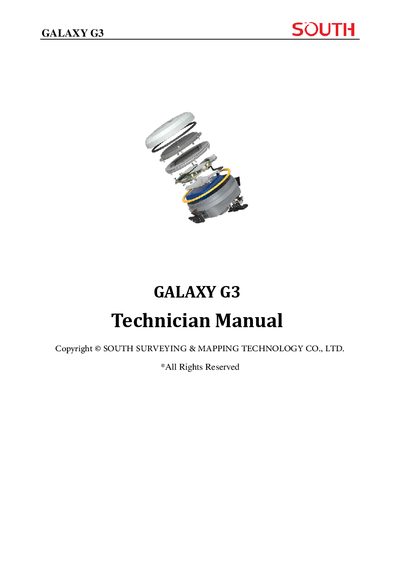
This manual covers the Galaxy G3 GNSS receiver, detailing its hardware components, operation procedures, and the internal web UI management system. It includes instructions for power control, mode selection, charging, USB and Bluetooth usage, as well as maintenance and troubleshooting guidance.
Additional sections describe the accessories supplied with the system, technical specifications, and definitions of technical terms. The appendix provides FCC compliance information and a full list of supported GNSS signals, data formats, and communication interfaces.
| GNSS Channels | 1598 (GPS, GLONASS, BDS, Galileo, SBAS, IRNSS, QZSS, MSS) |
|---|---|
| Positioning Output Rate | 1 Hz ~ 20 Hz |
| Initialization Time | < 10 s |
| Horizontal Positioning Precision (RTK) | 0.25 m + 1 ppm RMS |
| Vertical Positioning Precision (RTK) | 0.50 m + 1 ppm RMS |
| Dimensions | 130 mm × 130 mm × 80 mm |
| Weight | 790 g (battery included) |
| Operating Temperature | -45 °C ~ +75 °C |
| Storage Temperature | -55 °C ~ +85 °C |
| Humidity (non‑condensing) | 0 % ~ 100 % RH |
Press the power button; the four indicators light for about 10 seconds, the instrument initializes and announces the working mode with a voice prompt.
The configurable sample frequency can be set up to 20 Hz.