
The Sound Devices A10-TX Digital Transmitter User Guide explains setup, controls, audio setup, recording, timecode, Bluetooth remote control, firmware…
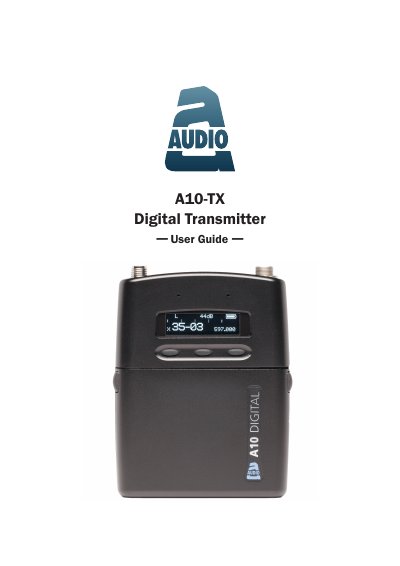
The Sound Devices A10-TX is a digital wireless transmitter with a low-noise balanced input, 48 V phantom power, digital modulation, an integrated recorder, removable microSD card storage, and built-in Bluetooth for remote control from Android or iOS devices.
This user guide covers system quickstart, connectors and controls, powering, the main display, menu navigation, audio setup, recording and timecode, remote control, user groups, firmware updates, specifications, wiring diagrams, battery runtime, warranty, certifications, and frequency tables.
| Power supply | Two AA (LR6) batteries |
|---|---|
| RF output power levels | Low (10 mW), Medium (20 mW), High (50 mW) |
| Audio bandwidth | 10 Hz – 20 kHz |
| Phantom power | 48 V |
| Frequency increment | 25 kHz steps |
| Storage media | Removable microSD cards |
It is powered by two AA (LR6) batteries.
It offers full bandwidth from 10 Hz to 20 kHz.
Yes, it supports simultaneous wireless transmission and recording.
Press and hold the Power button while holding the Right button.