
Instructions for authorizing the Sony NW-HD1 Network Walkman to share music across up to three PCs using SonicStage software.
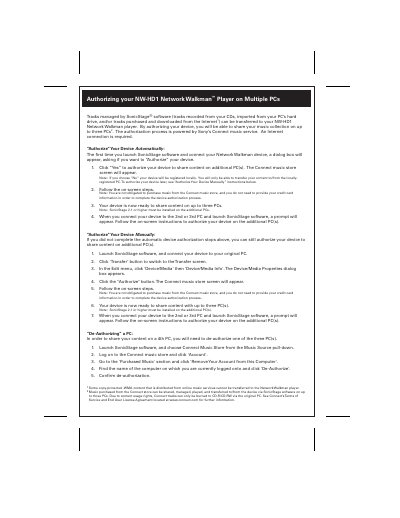
This manual explains how to authorize your Sony NW-HD1 Network Walkman to share music across up to three PCs using SonicStage software. Authorization is powered by Sony’s Connect music service and requires an internet connection. You can authorize automatically the first time you launch SonicStage, or manually through the software’s Device/Media Info menu. De-authorizing a PC allows you to add a fourth device. Note that some copy-protected WMA content cannot be transferred to the device. This manual is written in Chinese.
You can authorize your device to share content on up to three PCs.
No, you are not obligated to purchase music from the Connect music store to complete the authorization process.