
This guide provides instructions for updating the firmware on various Sony CD/USB receivers using a USB drive, including model compatibility and…
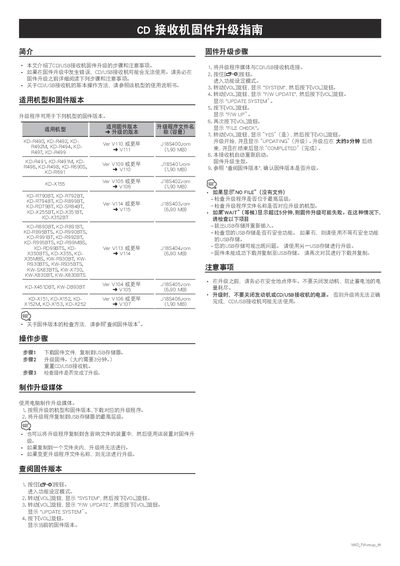
This document serves as a firmware update guide for specific models of Sony CD/USB receivers. It details which firmware versions are compatible with each receiver model and provides the necessary file names and sizes for the upgrade process.
The guide outlines the step-by-step procedure to download, copy, and install the new firmware via a USB storage device. It also explains how to check the current firmware version on the unit before starting the update. This manual is written in Chinese.
The upgrade program filename is V111J18S400.rom.
The upgrade process takes approximately 3 minutes to complete.
The firmware upgrade may fail; you should remove and reinsert the USB storage or check for security features on the drive.