
The Sony Ericsson TM506 user guide covers setup, calling, messaging, media, GPS, and safety information for the mobile phone.
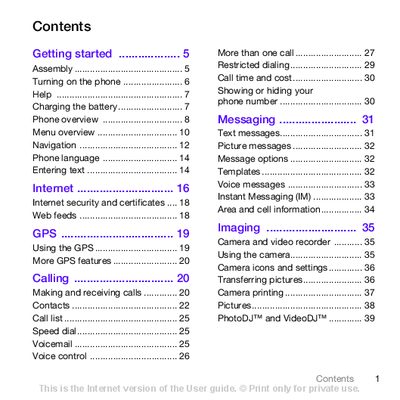
This user guide provides step‑by‑step instructions for getting started with the Sony Ericsson TM506, including inserting the SIM card and battery, turning the phone on, and navigating the menu system. It also explains how to use core functions such as calling, messaging, internet access, GPS, and media playback.
Additional sections cover phone settings, connectivity options like Bluetooth and USB, troubleshooting tips, safety guidelines, warranty information, and regulatory statements. The guide is organized with a detailed table of contents and an index for quick reference.
Press and hold down the power key, then follow the on‑screen prompts to enter your SIM PIN and select a language.
It takes approximately 2.5 hours to fully charge the battery.
Insert the battery with the label side up and the connectors facing each other, then slide the battery cover into place.