
This manual provides operating instructions for the Sony DCR-PC101E Handycam, covering camera setup, recording modes, playback functions, and computer…
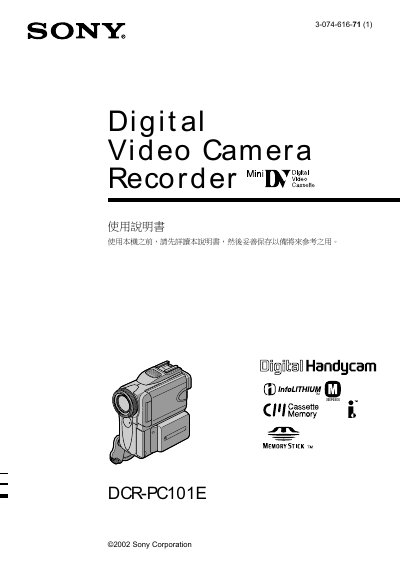
This document is the user manual for the Sony DCR-PC101E Digital Video Camera Recorder (Handycam). It guides users through preparing the device, including attaching power sources and loading tapes or Memory Sticks. The manual details various shooting features such as Backlight compensation, NightShot modes, and digital zoom, as well as playback options on both the camera screen and a television. This manual is written in Chinese.
| Product Name | Digital Video Camera Recorder |
|---|---|
| Brand | Sony Corporation |
You can use the USB cable to connect the camera to a Windows or Macintosh computer and view still images or motion pictures recorded on tapes or Memory Sticks.
This digital video camera recorder allows you to record moving or still images and play them back.
The unit comes with one rechargeable NP-FM50 battery.
One Memory Stick is provided with the camera.