
This manual provides operation instructions for the Sony DCR-HC18E/HC20E digital camcorder, covering setup, shooting, playback, and troubleshooting.
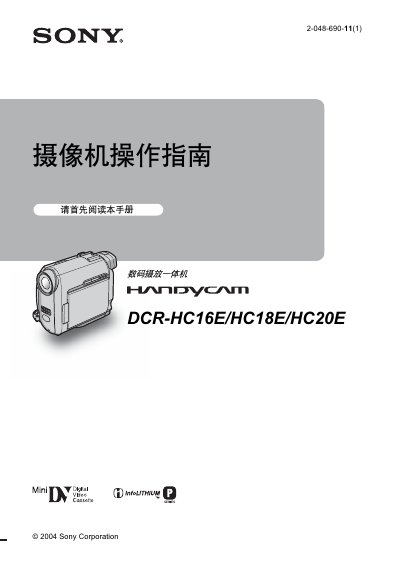
This document serves as the operation guide for the Sony DCR-HC18E/HC20E digital camcorder. It includes instructions for quick start, shooting and playback operations, advanced settings, and troubleshooting. The guide helps users correctly operate the camcorder and utilize its features such as Easy Handycam mode, NightShot plus, and various search functions. This manual is written in Chinese.
| Video System | 2-Head Helical Scan System |
|---|---|
| Audio System | 2-Head PCM System |
| Image Sensor | 3 mm (1/6 type) CCD |
| Effective Pixels | Approx. 400,000 |
| Lens | Carl Zeiss Vario Tessar |
| Battery | NP-FP50 |
| Operating Temperature | 0°C to 40°C |
The camcorder uses small DV cassettes marked with the Cassette Memory logo.
No, do not aim the lens at the sun as it may cause damage to the camcorder.
Press and hold the green button, then slide the POWER switch down until the CAMERA indicator lights up.