
This manual provides instructions for installing, operating, and configuring the SonTek HorizonADV software (v1.04) for data acquisition with ADV systems.
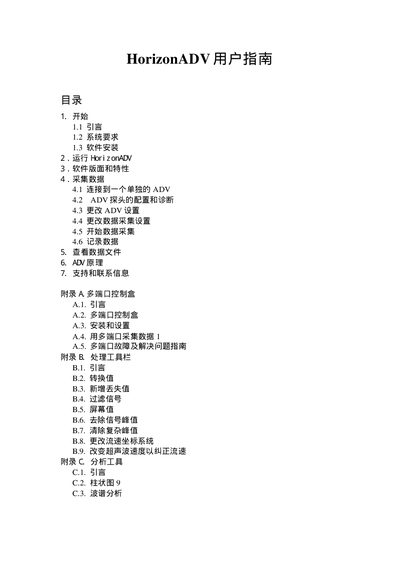
The SonTek HorizonADV software is designed to guide users through the process of collecting and displaying data processing results using Acoustic Doppler Velocimetry (ADV) systems. It supports both single ADV devices and multiple ADVs connected via a MultiPort controller, offering a flexible interface for various operational needs.
The document covers essential procedures including system requirements, installation steps, connection methods to the ADV hardware, probe configuration loading, and beam testing protocols. Additionally, it details how to start data collection, manage settings, view real-time graphics and data grids, and utilize analysis tools such as histogram plots and spectral analysis. This manual is written in Chinese.
The software requires Windows 2000 or XP.
The default settings are COM1 and 19200.