
This manual provides installation, safety, and operating instructions for the SMSL D400 EX high-resolution audio system, including remote control usage and…
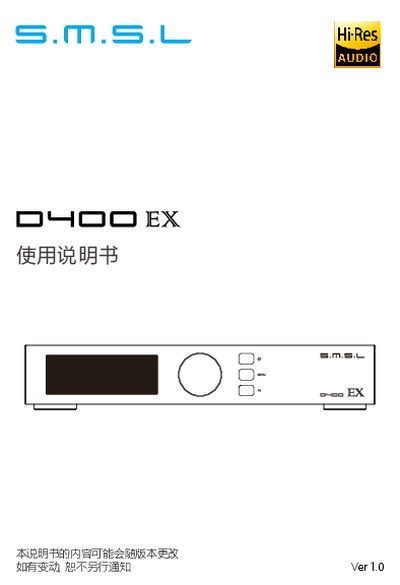
The SMSL D400 EX is a high-resolution audio system featuring MQA decoding, XMOS XU-316 processing, and dual AK4499EX DAC chips. It supports various digital inputs including USB, optical, coaxial, AES, I2S, and Bluetooth with LDAC support. The unit includes a color IPS display and a full-function remote control. This manual is written in Chinese.
| THD+N | 0.000067%(-123.5dB) / 0.000053%(-125.5dB) |
|---|---|
| Dynamic Range | 133dB (Balanced) / 128dB (Unbalanced) |
| Signal-to-Noise Ratio | 133dB |
| USB Transmission | Asynchronous |
| Bluetooth Codec | LDAC (24bit/96kHz) |
| Dimensions | 240x188x46 mm |
| Weight | 1.85kg/4.08 lb |
The product is covered by a free warranty for one year under normal usage conditions.
Switch the input source to Bluetooth, enable Bluetooth on your phone, search for "SMSL D400 EX", and click to pair.
The system will only reset the Bluetooth pairing status.
Yes, the I2S input supports DSD transmission, and you can adjust the DSD channel settings if the left and right channels are incorrect.