
User manual for Sky Elevator's CX Series lift control system, covering programming, parameters, error codes, and terminal usage.
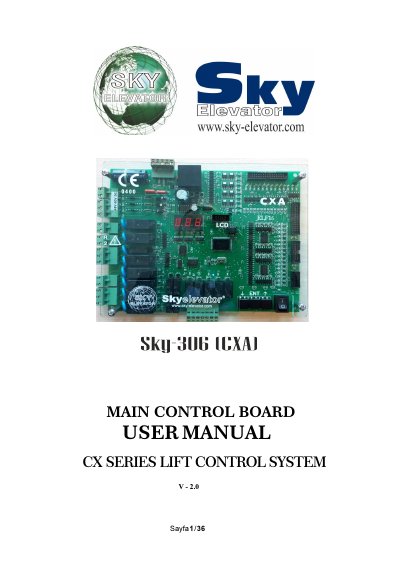
This manual provides detailed instructions for configuring and operating the CX Series Lift Control System. It covers board functions, voltage requirements, input/output terminals, and programming procedures using the hand terminal. The system is controlled by a 16-bit microcontroller and supports one-speed, two-speed, and VVVF operation.
The manual includes parameter lists, error codes, and terminal abbreviations for system integration. Programming is done via buttons on the main board or hand terminal, with data stored in EEPROM after confirmation. Safety and signal voltages are specified, and board configurations (CXA, RLE, SWPI, SWPOR, CXK) are described for system expansion. This manual is written in Turkish.
| Microcontroller | 16-bit high performance |
|---|---|
| Supported Systems | one speed, two speed and VVVF |
| Safety Circuit Voltage | Maximum 230V AC |
| Signal Voltage | 24V DC |
| Microcomputer Voltage | 10V AC |
10V AC is required for the microcomputer circuit, with a maximum current of 1A and a minimum power supply of 25 VA.
It is designed to fulfil the needs of the lift sector at new age and integrate lift control systems with advanced computer systems.
The system works with 8 stops as stored in program number 21.
Hold the (ENT) button down until the display shows the current floor of car to exit and save changes.