
The DK30 user manual explains setup, charging, channel configuration, and app tuning for the 2.4 GHz remote controller.
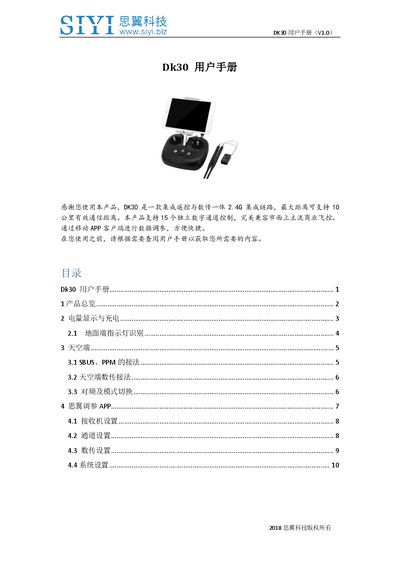
The DK30 is a 2.4 GHz integrated remote‑control and telemetry device with 15 independent channels and a maximum communication range of up to 10 km. It works with a variety of flight controllers and can be configured via the Siyi Tuning app on a mobile device.
The manual covers hardware overview, power display and charging, aerial unit connections (SBUS/PPM/S.Bus), channel mapping, telemetry settings, and system options such as language, throttle behavior, and stick type. Detailed LED indicators and step‑by‑step procedures for pairing and frequency tuning are also provided. This manual is written in Chinese.
| Radio frequency | 2.4 GHz |
|---|---|
| Maximum communication distance | 10 km |
| Number of independent channels | 15 |
| Charging current limit | ≤ 2 A |
The DK30 provides 15 independent channels, each with its own switch control.
The device can communicate effectively up to 10 kilometers.
Press the power switch once to view battery status, then long‑press the power switch to start the device.