
The Simplex Triton operation manual provides installation, wiring, setup, and maintenance instructions for the integrated fuel management system.
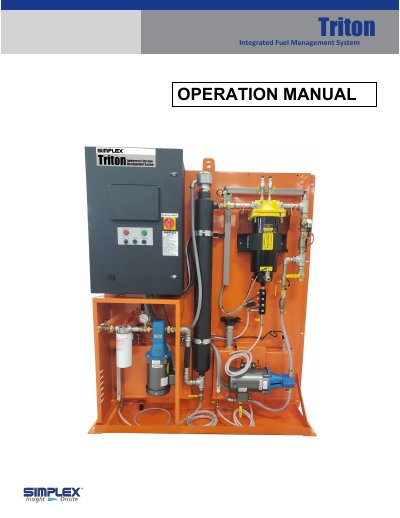
This manual covers safety warnings, installation options, wiring, and controller configuration for the Simplex Triton fuel management system. It includes detailed steps for mounting the unit, connecting power and sensors, and programming the controller via HMI screens.
The document also describes system setup procedures such as transducer calibration, custom fuel level alarms, communication settings for RS‑485 and Ethernet modules, auto‑schedule programming, and filter cartridge replacement. Troubleshooting and alarm information are provided in the appendix.
| Fuel level display | Gallons/Liters and percent |
|---|---|
| Fuel temperature display | °F/°C |
| Optional Ethernet POM | Modbus over IP via Ethernet POM |
The Triton can be installed in three ways: bolted to a wall, bolted to the floor, or mounted on a stand.