
This manual provides assembly, connection, and operation instructions for the SimmonsDrums SD200 drum sound source.
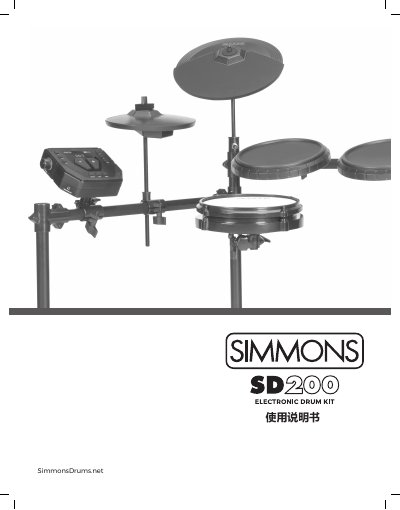
The SimmonsDrums SD200 is a drum sound source featuring 32 polyphony, 93 drum tones, and 10 preset drum kits. It includes built-in hardware components such as a kick drum pedal, snare drum, three toms, hi-hat, and crash cymbal, along with various external interfaces for audio and MIDI connections.
The manual details the assembly of the included drum kit, including the installation of cymbal stands and pads. It covers connecting the unit to power, external audio devices, MIDI computers, and headphones. Operation instructions include navigating the LED display, selecting kits and songs, using the metronome, and recording user songs. This manual is written in Chinese.
| Polyphony | 32 |
|---|---|
| Preset Drum Kits | 10 |
| Preset Songs | 10 |
| Effects | Reverb, Chorus, Delay, Echo |
| Power Supply | 9V 600ma |
| Dimensions | 37" (H) x 27" (W) x 10" (D) |
| Weight | 37 lbs / 16.78 kg |
The unit requires a 9V power supply with a current of 600ma.
No, the unit is USB class compliant and is plug-and-play for most macOS, Windows, and iOS devices.
The SD200 includes 10 preset drum kits and allows for 1 user-created kit.