
The Shida TR200 manual explains how to set parameters, operate the instrument, and connect it to a PC for surface roughness measurement.
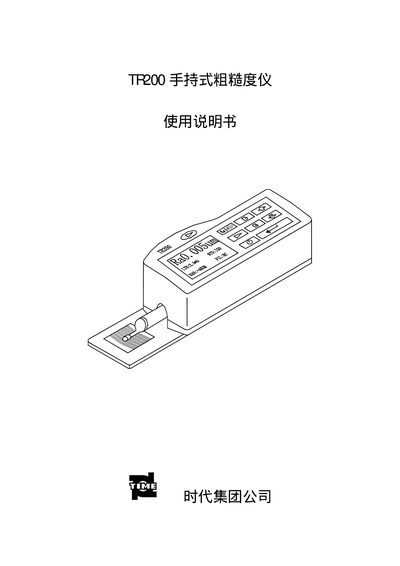
The TR200 surface roughness meter is a portable instrument developed by Shida Group for use at production sites. It measures surface roughness on various machined workpieces, calculates parameters according to selected measurement conditions, and displays all measurement parameters and profile graphics clearly on the screen.
The meter supports multi-parameter measurement and uses a high-precision inductive sensor with four filter modes. It complies with ISO, DIN, ANSI, and JIS standards, has a 128×64 dot matrix display, DSP control, and a built-in rechargeable battery providing over 20 hours of continuous operation. It also includes an RS232 interface for PC communication and can connect to an optional TA220s printer. This manual is written in Chinese.
It can be connected to the TA220s printer.
Connect the charger to 220V 50Hz mains power.