
The user manual provides safety instructions, setup, remote control functions, connection methods, and troubleshooting for the Shengbao ST-H900 digital…
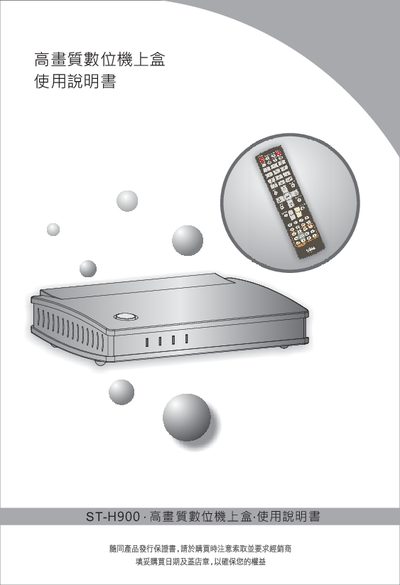
This manual explains how to safely install and operate the ST-H900 high‑definition digital set‑top box. It covers safety warnings, package contents, power connection, and basic remote‑control functions.
Detailed sections describe how to connect the device to a TV, antenna, DVD or game console, use USB storage, configure channel searches, and resolve common issues such as power loss, remote‑control problems, or no picture. This manual is written in Chinese.
| Power Input | DC 12V |
|---|---|
| Power Consumption (typical) | 10W ±10% |
| Dimensions (W×D×H) | 208 mm × 185 mm × 47 mm |
| Weight | 0.7 kg |
| HDMI Input | 19‑pin HDMI 1.3C (supports 720p) |
| HDMI Output | 19‑pin HDMI 1.3C |
| USB Port | USB Type‑A |
| Audio Output | 3.5 mm jack |
Check that the power plug is correctly inserted into the outlet and verify that the power button on the unit is pressed.
Remove the internal battery from the remote, avoid mixing battery types, and replace it with a fresh AA (4‑cell) battery, taking care not to let the battery leak.
Plug one end of the HDMI cable into the "HDMI輸出" connector on the set‑top box and the other end into the "HDMI輸入" on your TV or monitor.