
User guide for the Shelly EM dual-channel WiFi energy meter, covering installation, WiFi setup, current transformer wiring, and technical specifications.
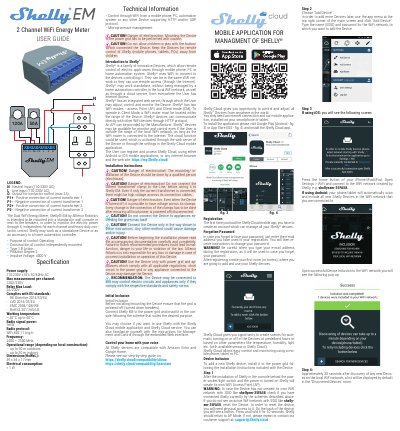
The Shelly EM is a dual-channel WiFi energy meter by Allterco Robotics, intended to be mounted in a standard in-wall console or next to breakers. It monitors electric power independently for each channel and provides heavy-duty contactor control, with a maximum measurement of 120 A at 230 V per channel.
This user guide covers wiring, installation cautions, initial inclusion, WiFi access point setup, device inclusion in the Shelly Cloud app, and technical specifications. It also describes standalone operation and control through a mobile phone, PC, automation system, or any device supporting HTTP and/or UDP protocol.
| Power supply | 110-230V ±10% 50/60Hz AC |
|---|---|
| Maximum measurement per channel | 120A/230V |
| Relay maximum load | 2A/230V |
| Working temperature | –40°C up to 40°C |
| Radio protocol | WiFi 802.11 b/g/n |
| Frequency | 2400 – 2500 MHz |
| Dimensions (HxWxL) | 39 x 36 x 17 mm |
| Electrical consumption | < 1 W |
| Radio signal power | 1mW |
The Shelly EM supports a maximum measurement of 120 A at 230 V per channel.
The relay maximum load is 2 A at 230 V.
Press and hold the button on the back of the device for 10 seconds; Shelly should return to AP Mode.
The working temperature range is –40°C up to 40°C.